

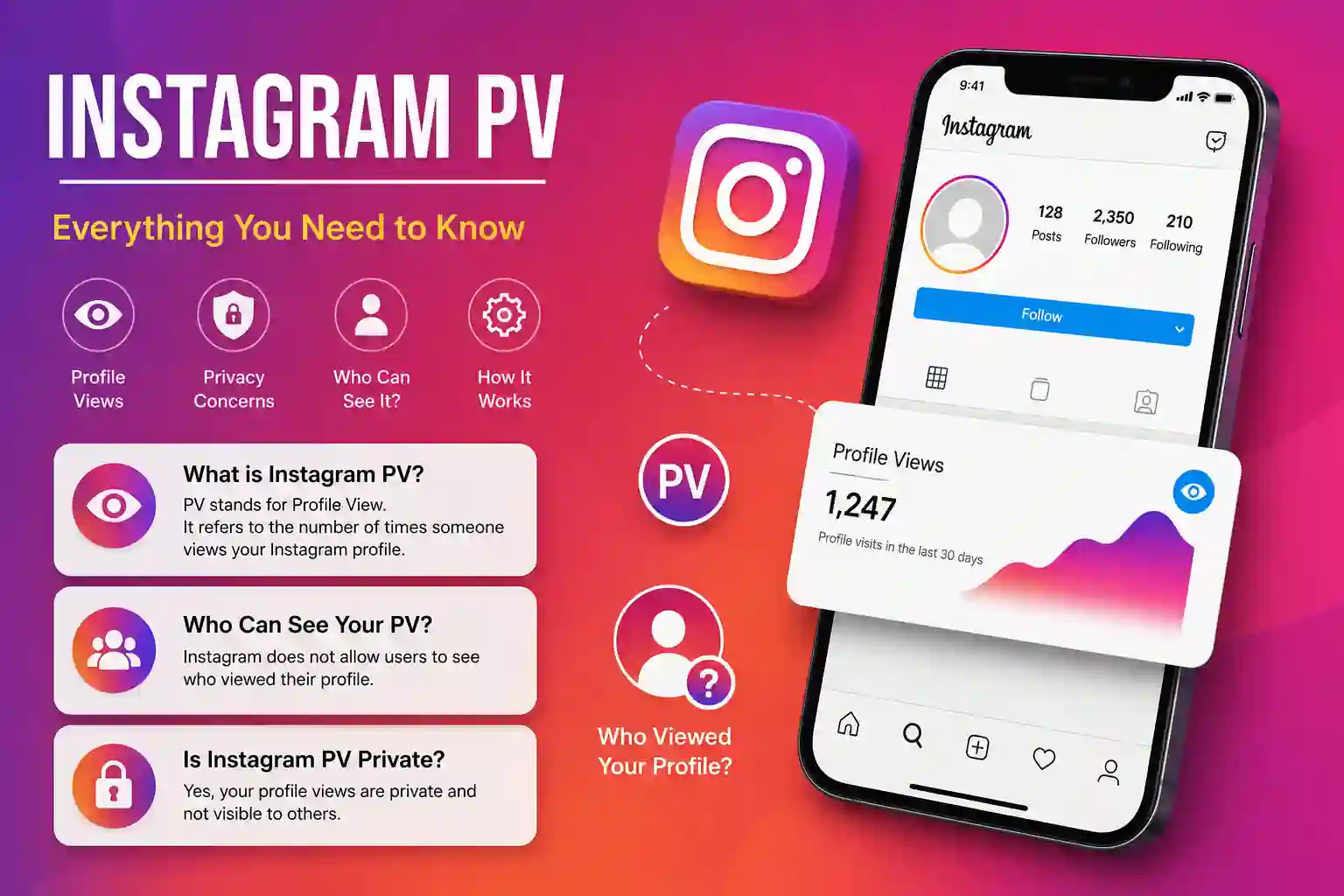
Instagram PV is a term that many users encounter in comments, captions, and direct conversations but often don’t fully understand. Phrases like “Send me a PV” or “Check your Instagram PV” are common across social media, leaving many people wondering what they actually mean.
In simple terms, Instagram PV refers to a private message or private conversation on Instagram. While “PV” isn’t an official Instagram feature, it’s a widely used informal term in many online communities.
In this guide, you’ll learn what Instagram PV means, how to use it, when people use the term, and the best practices for staying safe while messaging on Instagram.
What Does Instagram PV Mean?
Instagram PV refers to sending or receiving a private message through Instagram Direct.
The abbreviation “PV” originates from phrases like:
- Private
- Private Message
- Private Conversation
- “Mensagem Privada” (Portuguese)
- “Privé” (used in some European communities)
Depending on the region, people may say:
- Send me a PV
- Instagram PV
- PV please
- Let’s talk in PV
- Check your PV
All of these generally mean:
“Let’s continue this conversation privately.”
Why Do People Use Instagram PV?
There are many reasons people prefer moving conversations from public comments into private messages.
1. Privacy
Instead of discussing details publicly, users can communicate privately.
Examples include:
- Prices
- Contact information
- Personal questions
- Business negotiations
2. Customer Support
Many businesses ask customers to send a PV when discussing:
- Orders
- Refunds
- Shipping
- Account issues
Example:
“Please send us a PV with your order number.”
3. Influencer Collaborations
Brands often comment:
“Check your Instagram PV.”
This means they have sent a Direct Message regarding:
- Sponsorships
- Promotions
- Affiliate offers
4. Buying and Selling
Marketplace sellers frequently write:
“Price in PV.”
Instead of posting prices publicly, they discuss details privately.
READ MORE GUIDE: Marlboro App Download: Complete Guide to Safe Installation
Is Instagram PV an Official Instagram Feature?
No.
This is one of the biggest misconceptions online.
Instagram officially calls its messaging feature:
- Direct Messages (DM)
- Instagram Direct
“PV” is simply community slang.
Instagram Terminology Comparison
| Term | Meaning | Official? |
| Instagram PV | Private conversation | ❌ No |
| Instagram DM | Direct Message | ✅ Yes |
| Instagram Direct | Messaging system | ✅ Yes |
| Inbox | Message folder | ✅ Yes |
How to Send an Instagram PV (Private Message)
Step 1
Open Instagram.
Step 2
Visit the person’s profile.
Step 3
Tap Message.
Step 4
Type your message.
Step 5
Send photos, videos, voice notes, or links if needed.
Step 6
Wait for the recipient to accept your message request if they don’t follow you.
Quick Summary
To send an Instagram PV:
- Open Instagram.
- Visit the profile.
- Tap Message.
- Write your text.
- Press Send.
Where Is Instagram PV Commonly Used?
You’ll often see the phrase on:
- Instagram comments
- Facebook groups
- Online marketplaces
- TikTok
- WhatsApp communities
- Business pages
- Influencer accounts
Example comments:
- “PV me.”
- “Details in PV.”
- “Sent PV.”
- “Check your PV.”
Benefits of Using Instagram PV
Better Privacy
Sensitive information stays out of public comments.
Faster Communication
Private chats allow quicker responses.
Secure Sharing
Users can exchange:
- Photos
- Voice messages
- Documents
- Locations
without cluttering public posts.
Better Customer Experience
Businesses can provide personalized support.
Organized Conversations
Private discussions reduce unnecessary public comment threads.
Best Practices for Instagram Private Messaging
Verify the Account
Before replying, confirm:
- Username
- Followers
- Verified badge (if applicable)
- Previous activity
Never Share Sensitive Information
Avoid sending:
- Banking details
- Passwords
- Verification codes
- Government IDs
- Credit card numbers
Beware of Scams
Common warning signs include:
- Urgent requests
- Fake giveaways
- Investment offers
- Cryptocurrency scams
- Requests for login credentials
Use Privacy Controls
Adjust:
- Message requests
- Restricted accounts
- Blocked users
- Hidden words
- Privacy settings
Regularly reviewing these settings helps reduce spam and unwanted messages.
Common Mistakes People Make
Assuming PV Is an Official Feature
It isn’t.
Instagram only provides Direct Messages.
Sharing Too Much Personal Information
Private doesn’t always mean secure.
Only communicate with trusted people.
Ignoring Message Requests
Business inquiries often arrive in the Requests folder.
Falling for Fake Brand Accounts
Always verify:
- Username spelling
- Follower count
- Profile history
Confusing PV with Public Comments
Replies posted publicly remain visible to everyone.
Instagram PV for Businesses
Businesses frequently use private messaging for:
- Customer support
- Lead generation
- Appointment booking
- Order confirmations
- Product recommendations
- Complaint resolution
Example Workflow
Customer comments:
“I’m interested.”
Business replies:
“Thanks! Please send us a PV so we can assist you.”
The conversation then continues privately.
Instagram PV for Creators
Content creators use private messages to:
- Negotiate sponsorships
- Build community relationships
- Answer subscriber questions
- Share exclusive content
- Manage collaborations
Many creators also automate welcome messages while ensuring personalized follow-up for important conversations.
Instagram PV vs Instagram DM
| Feature | Instagram PV | Instagram DM |
| Official name | No | Yes |
| Private messaging | Yes | Yes |
| Used worldwide | Limited | Yes |
| Inside Instagram | Yes | Yes |
| Community slang | Yes | No |
In practice, both terms often refer to the same action: sending a private message through Instagram.
Expert Tips
1. Respond Quickly
Fast replies improve engagement and customer satisfaction.
2. Keep Conversations Professional
Businesses should use polite, clear language and avoid overly casual responses unless appropriate for their brand.
3. Use Saved Replies
Frequently asked questions can be answered efficiently with prepared responses while still personalizing each interaction.
4. Avoid Spam-Like Messages
Sending identical promotional messages to many users can lead to reduced trust and may trigger platform safeguards.
5. Review Privacy Settings Regularly
As Instagram updates its messaging features, revisit your privacy controls to ensure they match your preferences.
Real-World Examples
Example 1: Online Store
Customer:
“How much is this product?”
Seller:
“Please send a PV for today’s pricing.”
Example 2: Photographer
Client:
“I’d like to book a session.”
Photographer:
“I’ll send you a PV with available dates.”
Example 3: Influencer Collaboration
Brand:
“Check your Instagram PV—we’ve sent collaboration details.”
People Also Ask
Is Instagram PV the same as DM?
Yes. In most contexts, Instagram PV simply refers to a private conversation through Instagram Direct Messages. “DM” is the official term, while “PV” is informal slang used by some communities.
Why do people say “Send PV”?
They are asking you to continue the conversation privately instead of discussing details publicly in comments.
Is Instagram PV safe?
It can be safe when communicating with trusted accounts. Avoid sharing sensitive personal or financial information, verify unknown profiles, and use Instagram’s privacy and reporting tools if something seems suspicious.
Can businesses use Instagram PV?
Yes. Many businesses use private messaging for customer support, order updates, product recommendations, and appointment scheduling.
Does Instagram have a PV button?
No. Instagram has a Message button that opens Direct Messages. There is no feature officially labeled “PV.”
Can strangers send me Instagram PV messages?
Yes, depending on your privacy settings. Messages from people you don’t follow typically appear as message requests, allowing you to review or ignore them before responding.
Why do sellers ask for prices in PV?
Some sellers prefer discussing pricing privately to negotiate, provide personalized offers, or avoid frequent public price updates.
Conclusion
Instagram PV is an informal term that usually means sending a private message through Instagram Direct. While Instagram officially uses the term Direct Messages (DMs), many users, businesses, and online communities continue to use “PV” as shorthand for private conversations.
Understanding this terminology helps you communicate more confidently, avoid misunderstandings, and protect your privacy. Whether you’re chatting with friends, contacting a business, or collaborating with creators, following good messaging practices—such as verifying accounts and avoiding sharing sensitive information—will make your experience safer and more effective.
